Command Record backup
Export a campaign before troubleshooting.
From the title screen, open Command Records and choose Export under the record you want to preserve. On success, the record text is copied to the clipboard. If clipboard access fails, the game displays selectable text instead. Paste the result into a secure local file. To restore it later, choose Import Record and paste that exported text.
Do not post a Command Record publicly without reviewing the exported text and your message for personal information.
Known issues
Selected current pre-release issues.
These issues are confirmed in the current pre-release build. This list will be revised as fixes are certified.
- A gifted ship design can currently be copied before its fitted technology is owned. Avoid duplicating a gifted design that contains a locked part.
- The Mission 5 briefing mentions a manual Validate action that does not exist. The Drydock validates designs continuously.
- The Mission 6 briefing says only Control points decide the battle. Destroying every opposing ship can also end it.
- A Base Assault can end after every opposing ship is destroyed even if the base remains. Treat escort elimination as an alternate current victory condition.
- An asteroid can briefly use placeholder art while its finished sprite loads.
- An over-limit Fleet Points figure can disappear in the Drydock. Launch remains disabled and reports the limit until the group is reduced.
- Resuming a Command Record places the mission navigator at Mission 1. Navigate back to the current frontier; progress is not lost.
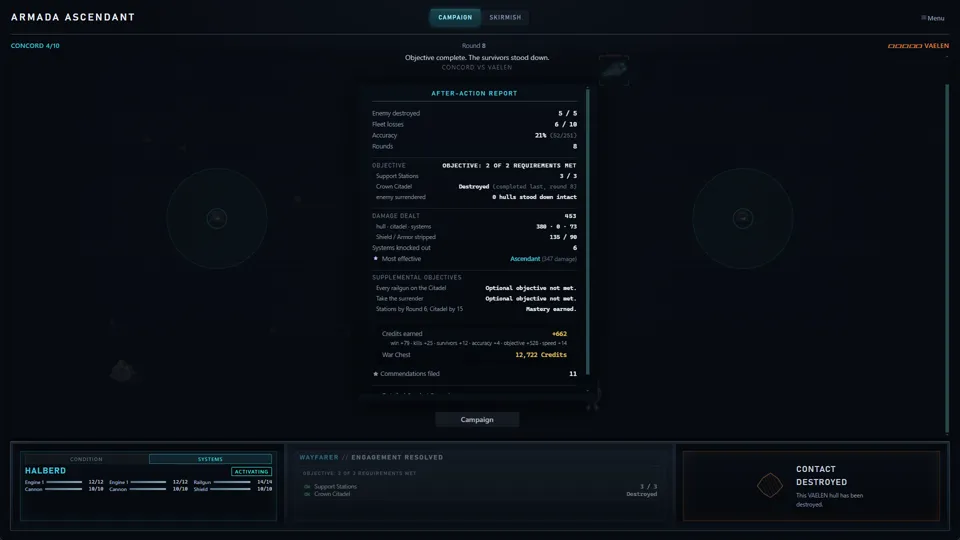
- The After-Action Report can display an overly precise damage decimal. This is a display issue only.
If you encounter something not listed, it is still worth reporting.